










4 - 7 September 2026
Prague | Czech Republic
O2 universum
O2 universum
Scientific Programme translated with
AI into 16 languages
AI into 16 languages
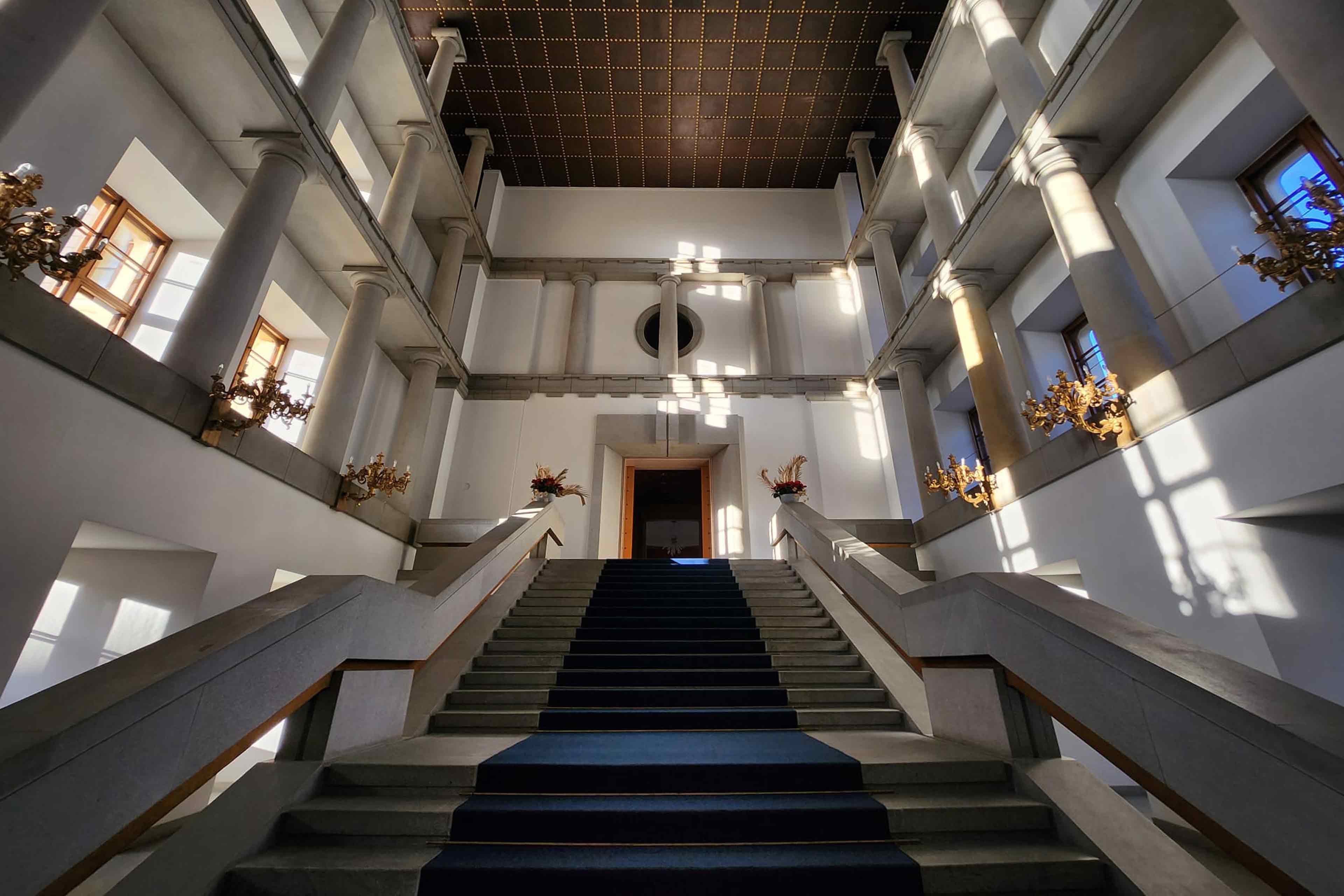
Experience centuries of history.
Join the Gala Dinner at Prague Castle.
Join the Gala Dinner at Prague Castle.
Discover Tomorrow‘s Dentistry
in the Heart of Magical Prague
in the Heart of Magical Prague
Discover Tomorrow‘s Dentistry
in the Heart of Magical Prague
in the Heart of Magical Prague
Free Communication instructions
How to prepare your presentation:
General Information
Please be prepared to
give an 10-12 minutes presentation followed by 1-2 minutes of Questions and Answers.
- Please use the Microsoft PowerPoint* (*pptx), or Adobe Acrobat Reader (.pdf) to guarantee compatibility with on-site equipment
- We recommend saving your PowerPoint presentation in PPTX format
- Please note that we cannot guarantee the quality of Apple-based presentations. Please check their Windows compatibility in advance (at least 2 hours before your session starts).
- Presentations should be in 16:9 format (landscape) to match the on-site screens
Pictures/Videos
- JPG images are the preferred file format for inserted images. GIF, TIF or BMP formats will be accepted as well
- Images inserted into PowerPoint are embedded into the presentations. Images that are created at a dpi setting higher than 250 dpi are not necessary and will only increase the file size of your presentation. Try to avoid overloading your presentation with unnecessary images
- If your presentation contains videos, please test it on the on-site PC in the Speakers Ready Room several hours before your session. Generally, the MP4 format should work with no difficulties. Videos inserted into MS PowerPoint 2016 and higher versions are embedded into the presentations
Other information
- During your lecture, you can use remote control for controlling your presentation
- All presentation equipment will be prepared in the lecture hall
- Personal laptops are not permitted for use during presentations
- We highly recommend that you upload your presentation online in advance using the congress platform by 01 September
- All presentations will be deleted from all on-site PCs after the event
How to upload your presentation online:
Uploading a presentation to the platform
- Upload your presentation directly to the platform
- After logging in, visit the “Personal Page” found in the top right corner under your name
- To upload a presentation, click on “Upload presentation”
- Select your presentation file from your computer and upload it
- If you upload your presentation online, we highly recommend that you check it in the venue at the Speakers Ready Room
- The size of the presentation must be no larger than 200 MB
- Supported file types are PPTX, PDF and MP4 video (older versions of PowerPoint PPT are not supported)
- In case you have saved your presentation in an older version of PowerPoint PPT, please save it again in the new PPTX version. This is possible with newer versions of MS PowerPoint 2013 and above
- Once your presentation is successfully uploaded to the platform, your presentation will be ready to present. Always arrive at the hall early and check with the technical staff that your presentation is indeed uploaded




© 2026 | Operator: GUARANT International spol. s r.o. | E-mail: guarant@guarant.cz | Powered by APPTIDE
Českomoravská 19, 190 00 Prague 9, Czech Republic
Reg. No.: 45245401 | VAT No.: CZ45245401 | Recorded in the Commercial Register, file No. 7144.