




4 - 7 September 2026
Prague | Czech Republic
O2 universum
O2 universum
Scientific Programme translated with
AI into 16 languages
AI into 16 languages
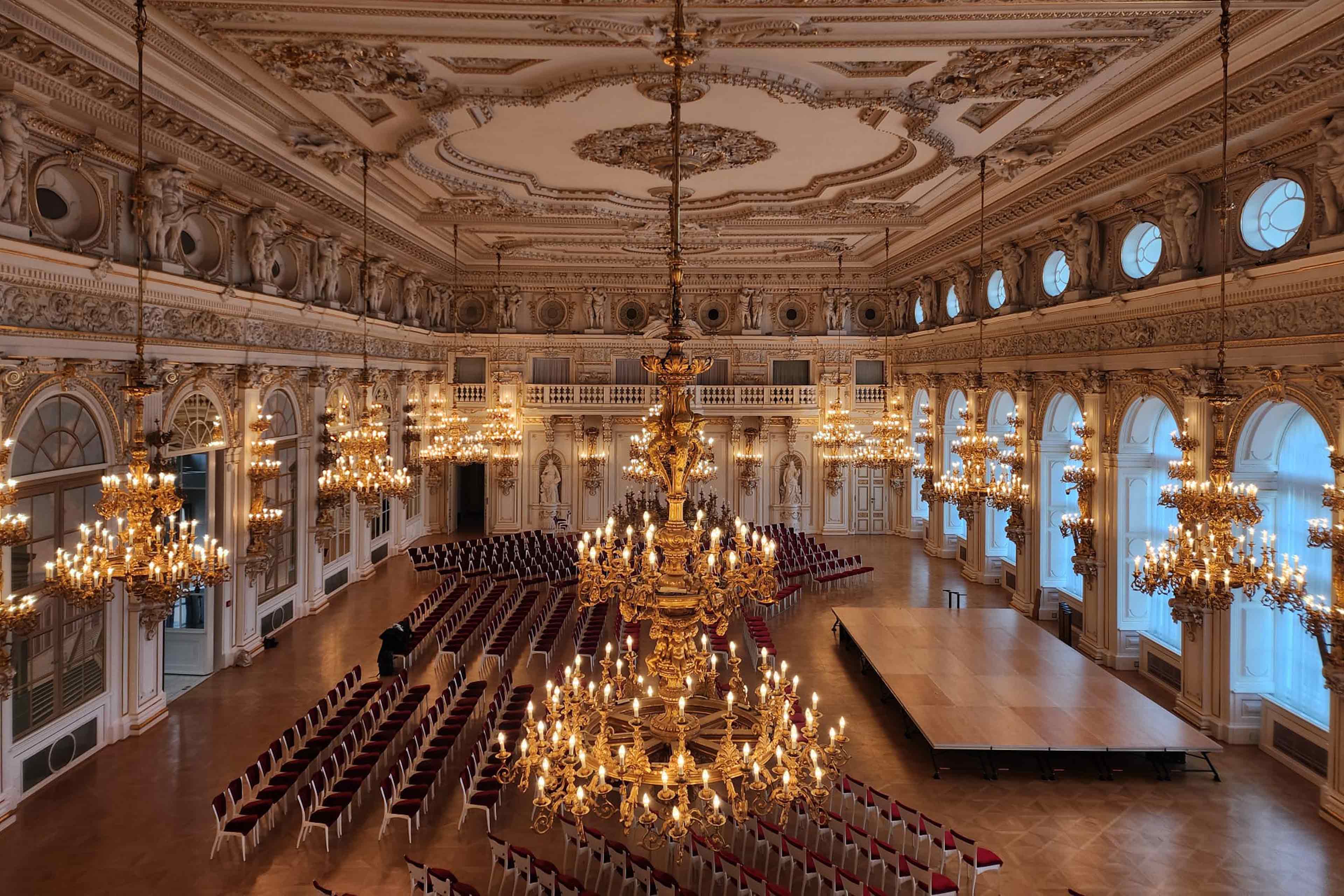
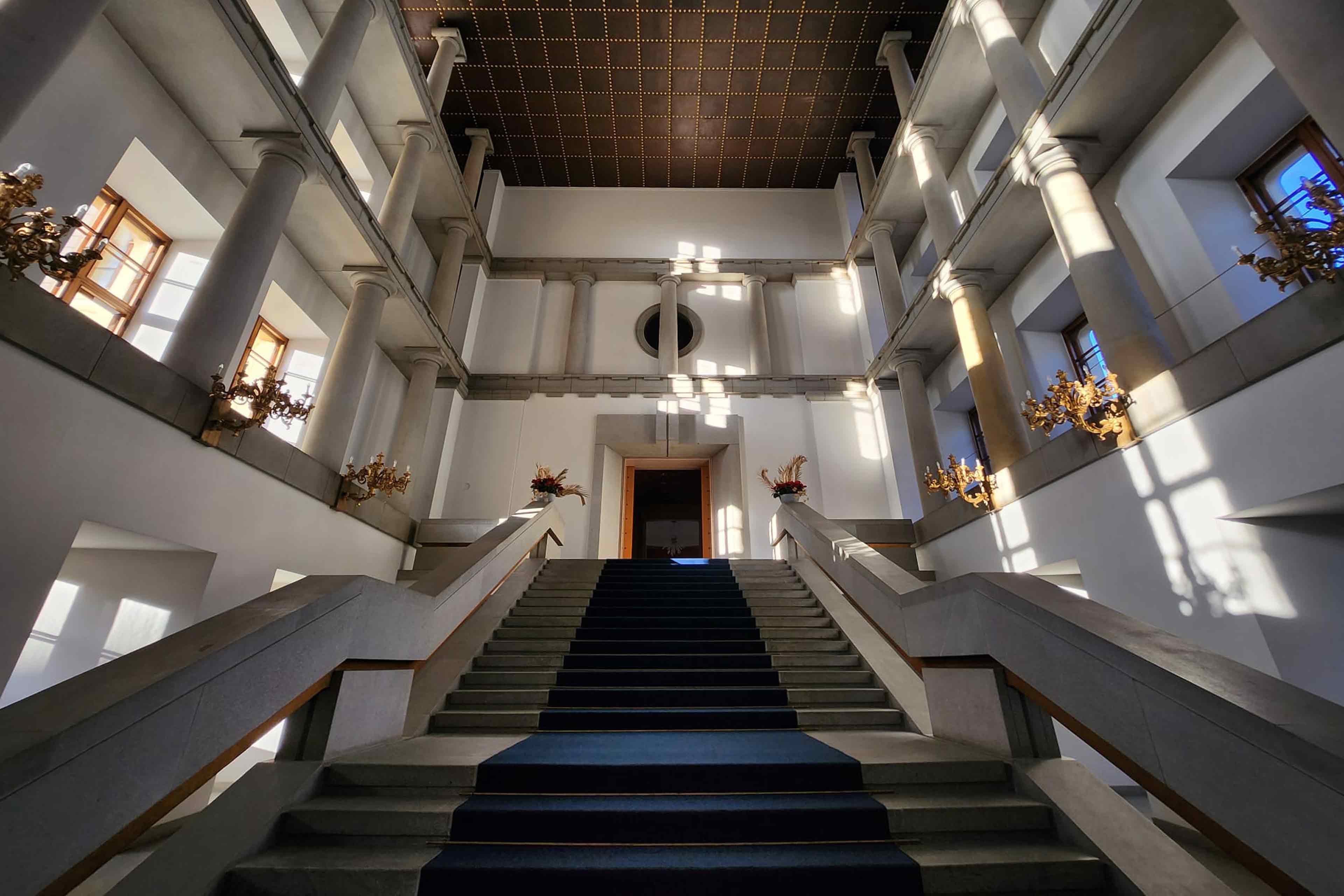
Experience centuries of history.
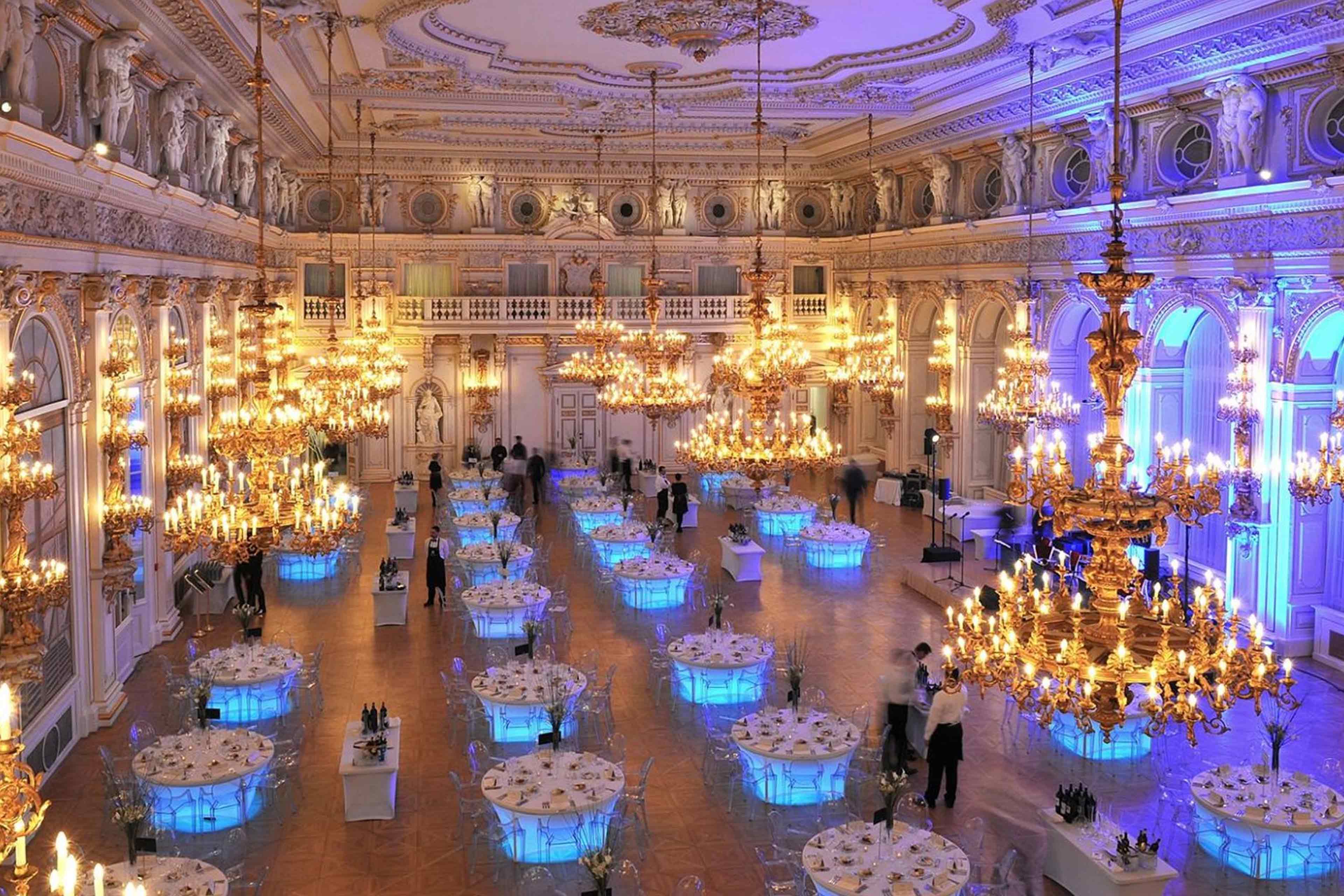
Join the Gala Dinner at Prague Castle.
Join the Gala Dinner at Prague Castle.
Discover Tomorrow‘s Dentistry
in the Heart of Magical Prague
in the Heart of Magical Prague
Discover Tomorrow‘s Dentistry
in the Heart of Magical Prague
in the Heart of Magical Prague
Introduction
This speaker handbook is designed to assist you in preparing for a seamless and trouble-free experience while at the FDI World Dental Congress. To ensure you are up to date with all speaker processes, we kindly ask you to read this document carefully and use the checklist to confirm you are event ready.
For information on our Main Scientific Programme please refer to https://2026.world-dental-congress.org/scientific-programme
Onsite at the event
Please be in Prague 24 hours before your first session and ensure you are at the venue at least 1 hour prior to your scheduled presentation time.
When you arrive at the O2 Universum in Prague, please:
- Bring the QR code sent to the e-mail address used during registration. The QR code will be sent approximately one week before the start of the FDI congress Prague 2026.
- Scan your QR code at the self check-in kiosk located in the Registration area at the main entrance of O2 Universum. If your registration is complete, your name badge will be printed automatically.
-
Visit the Speaker Lounge located in room D2 on Level 3 to check and drop your presentation.Please note this step is mandatory as it won't be possible to bring a USB stick with your presentation in the session room. We encourage you to take this step as early as possible. For further information please check page 7.
- Ensure to arrive in the presentation room at least 10 minutes before your scheduled start time.
- Your name badge will identify you as a Congress Speaker. Please be mindful to conduct yourself professionally and wear it at all times whilst at the congress.
- Should you be running late or no longer able to present, please contact Dr. Jaroslava Nováková the Speaker Liaison officer immediately at novakova@guarant.cz or use WhatsApp/sms on +420 776 461 450
Speaker Lounge
The FDI WDC26 will have a dedicated speaker lounge D2 on Level 3 for you to access throughout the day, it will include:
- Refreshments during all day incl. lunch
- Wi-Fi
- Sofas and tables
- Water, coffee, tea
Operation Times:
- 3 September: 14:00 – 17:00
- 4 to 7 September: 08:00 – 17:00
Presentation Upload Instructions
We require you to upload your presentation onsite at the Speaker Lounge prior your lecture.
The Speaker Lounge will be open as follow:
- 3 September: 14:00 – 17:00
- 4 to 7 September: 08:00 – 17:00
We recommend that speakers presenting in the first session of the day visit the preparation room the day before. Please note that it won’t be possible to plug your laptop or your USB stick in the session room. Exceptions will apply if you are planning a Keynote presentation, but test must be arranged beforehands.
Presentation Guidelines
For the visual presentations of the FDI WDC26, we encourage Speakers to consider their overall structure and content, to ensure a contemporary and memorable presentation of the topic being presented. The use of Standard English in these presentations is required.
We recommend the use of PowerPoint for all presentations. The operating system of every computer in session room is Microsoft Windows. If you are using Keynote please contact Dr. Jaroslava Nováková at novakova@guarant.cz at least 5 days prior to the Congress so that the necessary technical arrangements can be made.
SCREEN ASPECT Required screen aspect for Presentation/s:
- PowerPoint 16:9
-
We recommend you to save your PowerPoint presentation using PPTX format or PDF instead of PPS.
PRESENTATION STYLE GUIDELINES
- Use predominantly black or white backgrounds
- Use sans-serif fonts embedded into the presentation or included (be aware of licensing issues)
- Minimize audio content
VIDEO CODES Required codes for video files:
- Windows Tool: Ion WMV
- Videos: Compress to <500M; only MPG, WMV, AVI accepted. Please Avoid online videos (e.g., YouTube). For conversion issues or large MOV files, our technical team will assist you at the Speaker Lounge.
Important note for O2 Arena Speakers
O2 Arena
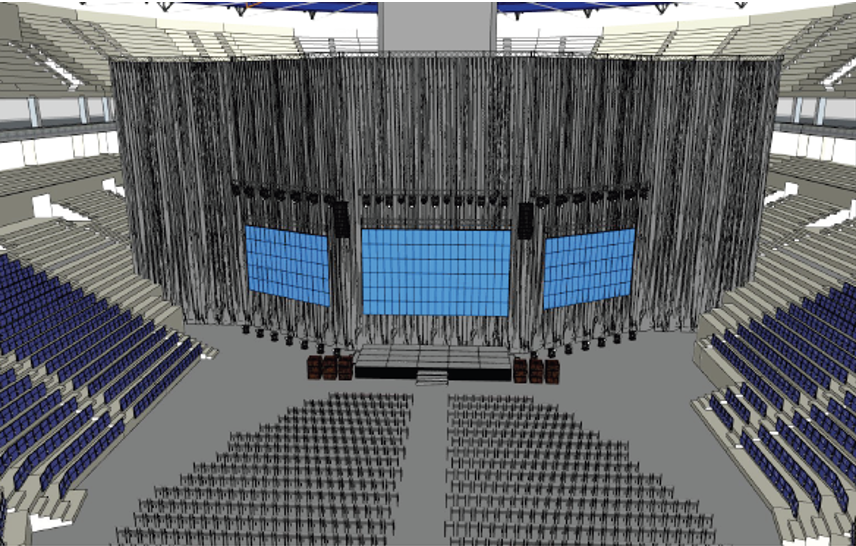
Please note that the O2 Arena is a unique venue, normally used for large-scale events such as ice hockey games and concerts. For the Congress, it will be configured in a conference-style layout; however, due to the size and height of the arena, the stage will be significantly larger than in a traditional conference setting, and some audience members may be seated at a considerable distance from the speaker.
Speakers scheduled in this room are kindly requested to take the stage dimensions into consideration when preparing their presentations. We recommend designing slides with clear, large visuals and text to ensure optimal visibility across the venue. Speakers should also be aware that the size of the stage allows for movement and are encouraged to make full use of the space by walking the stage during their presentation, where appropriate.
To ensure the best possible audience experience, the room will be equipped with a 10 × 6 m stage, a central 10 × 6 m LED screen, two 8 × 5 m side LED screens (all three screens displaying the same content), a dedicated camera focused on the speaker, and three 55-inch preview monitors positioned on stage.
Presentation Guidelines
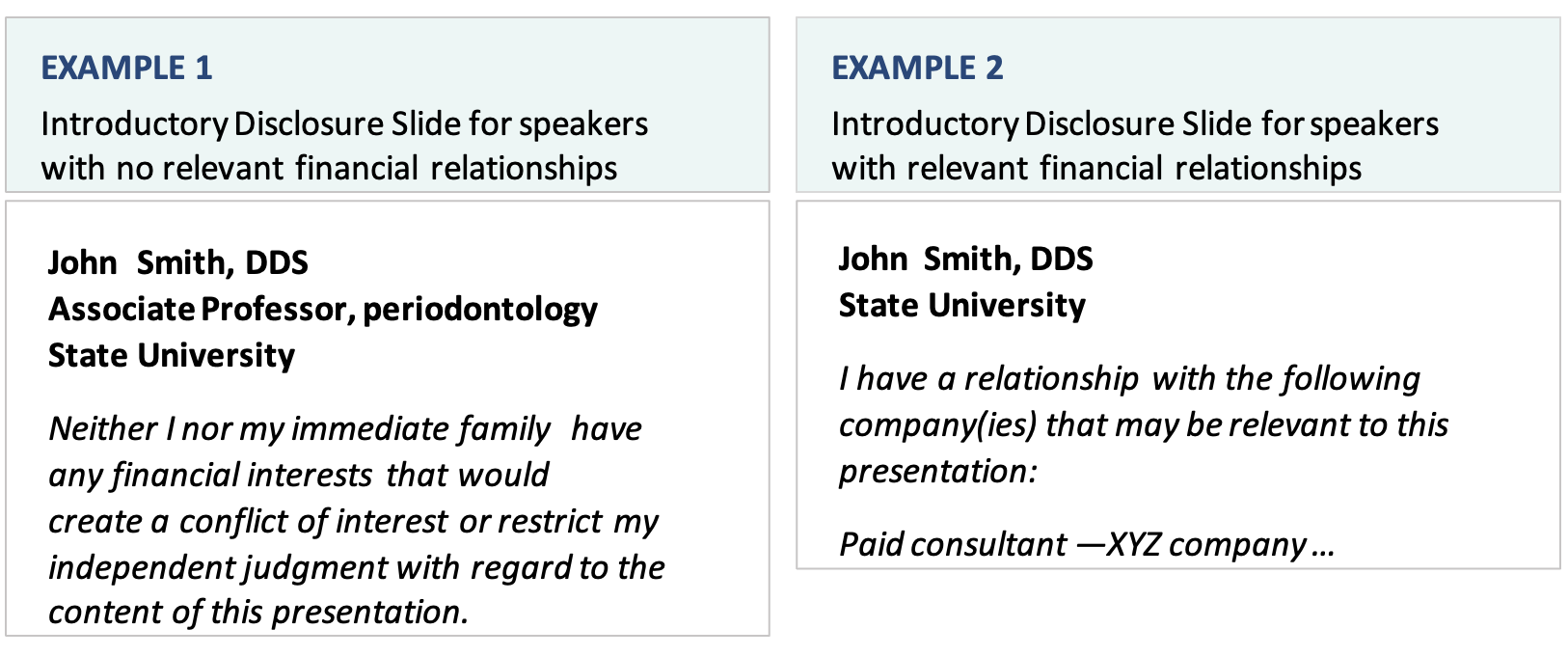
Introductory disclosure
Disclosure must be made before the start of the presentation and must be made in writing, on an introductory presentation slide.
Disclosure must include the name of the individual, the name of the commercial entity, and the nature of the relationship the individual has with each commercial entity.
Disclosure must not include the use of a trade name or product message.
For individuals that have no relevant financial relationships, the provider must disclose to participants that no relevant relationships exist.
Introductory presentation slide template (to choose and complete as appropriate).
Pre-conclusion caution message
Please also include a pre-conclusion slide to your presentation, cautioning participants about the potential specific risks of using limited knowledge when incorporating techniques and procedures presented during your lecture into their practices.
AV & Other Requests
If you have specific AV requirements or other request for your presentation. Please contact us via email at novakova@guarant.cz.
Without adequate notice, we may not be able to provide the appropriate equipment on the day of your presentation.
Technical Specifications of the Halls
O2 Arena
- Stage – 10m X 6m
- 3X LED Screen
- Main LED Screen – 10m X 6m
- 2X Side LED Screen – 8m X 5m
- Camera focused on the speaker
- 3X Preview Screen for speaker – 55” inch TV
- Lights
- Digital Lectern with monitor
- Presentation clicker
- P/A System
- Handheld wireless microphone / Headset
- Presentation PC - Option to connect your own PC or Mac
- Large hall with 5500 seats in auditorium
Other Halls – E1, E2, D3-D4, B1, B2, D7, D8-D9
- Stage 4x3 m
- Projection – 16:9
- Screen
- 1X Preview screen
- P/A System
- Lectern
- Presentation clicker
- Handheld wireless microphone
- Presentation PC




© 2026 | Operator: GUARANT International spol. s r.o. | E-mail: guarant@guarant.cz | Powered by APPTIDE
Českomoravská 19, 190 00 Prague 9, Czech Republic
Reg. No.: 45245401 | VAT No.: CZ45245401 | Recorded in the Commercial Register, file No. 7144.