







4 - 7 September 2026
Prague | Czech Republic
O2 universum
O2 universum
Scientific Programme translated with
AI into 16 languages
AI into 16 languages
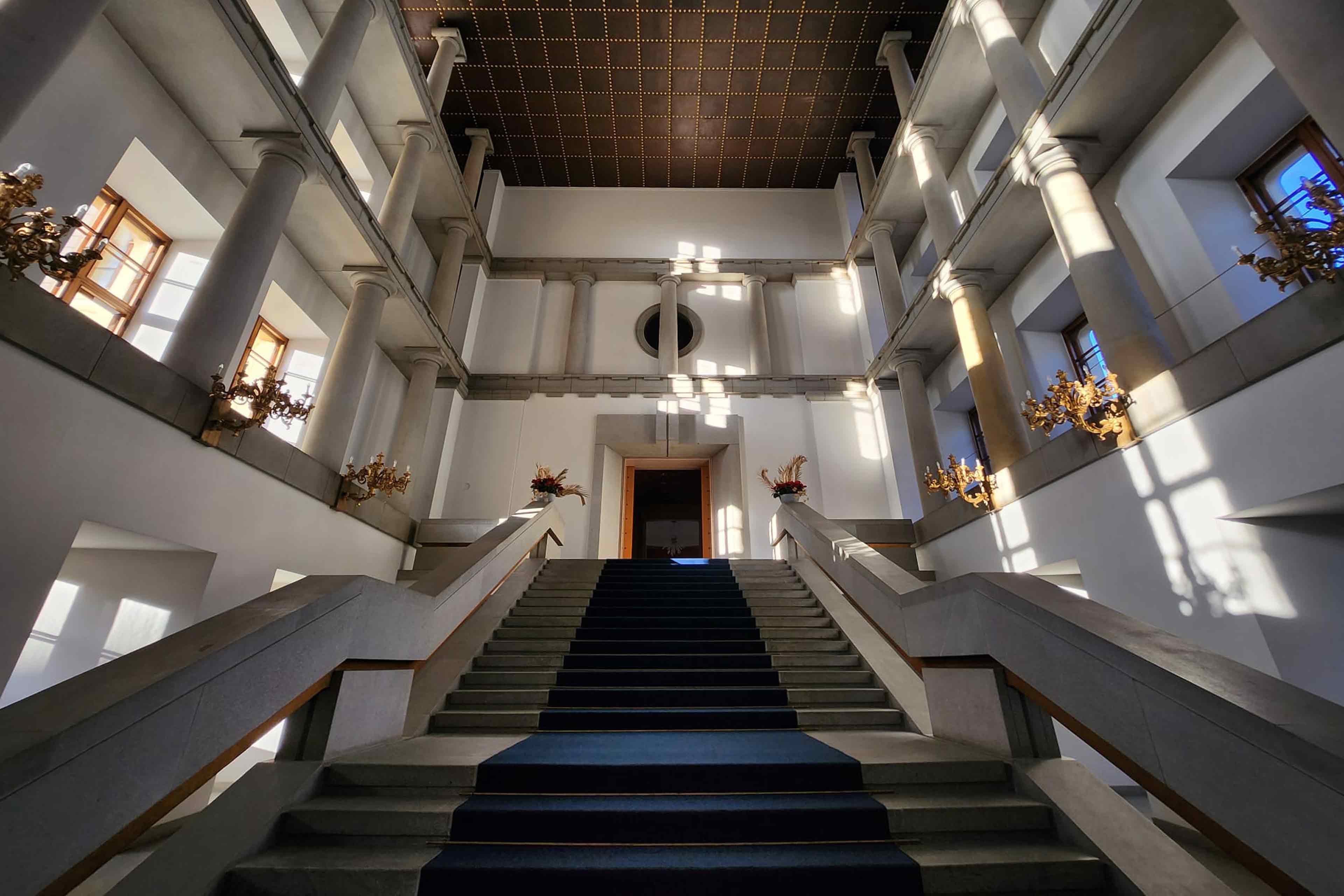
Experience centuries of history.
Join the Gala Dinner at Prague Castle.
Join the Gala Dinner at Prague Castle.
Discover Tomorrow‘s Dentistry
in the Heart of Magical Prague
in the Heart of Magical Prague
Discover Tomorrow‘s Dentistry
in the Heart of Magical Prague
in the Heart of Magical Prague
DOWNLOAD GENERAL INSTRUCTIONS
FDI WDC Prague 2026 - Congress Platform & Mobile APP
The Congress Platform provides speakers, abstract presenters and registered participants with easy access to all essential congress information, services, and digital tools before, during, and after the congress. Using a single login, you can seamlessly access both the web platform and the official Congress Mobile App, ensuring a consistent experience.
The Congress Platform provides access to a detailed, interactive scientific programme, e-Posters, personal schedules, notifications, certificates, and other congress-related resources.
Quick Start:
Get started with the FDI 2026 Congress Platform in just a few minutes. Before exploring the platform, please complete these simple steps:
- Visit the Congress Platform: https://fdi2026.gcon.me/page/home
- Log in using the same email address you used for your registration.
- Access your Personal Page by clicking on your name in the top-right corner.
- Check your personal information, profile picture, short bio and social media profiles.
- Explore the Detailed Programme and create your personal schedule in My Programme.
- Download the official Congress Mobile App for quick access during the congress. Log in using the same email address as on the Congress Platform. You will receive a PIN by email. Your profile is the same on both the Congress Platform and the Mobile App.
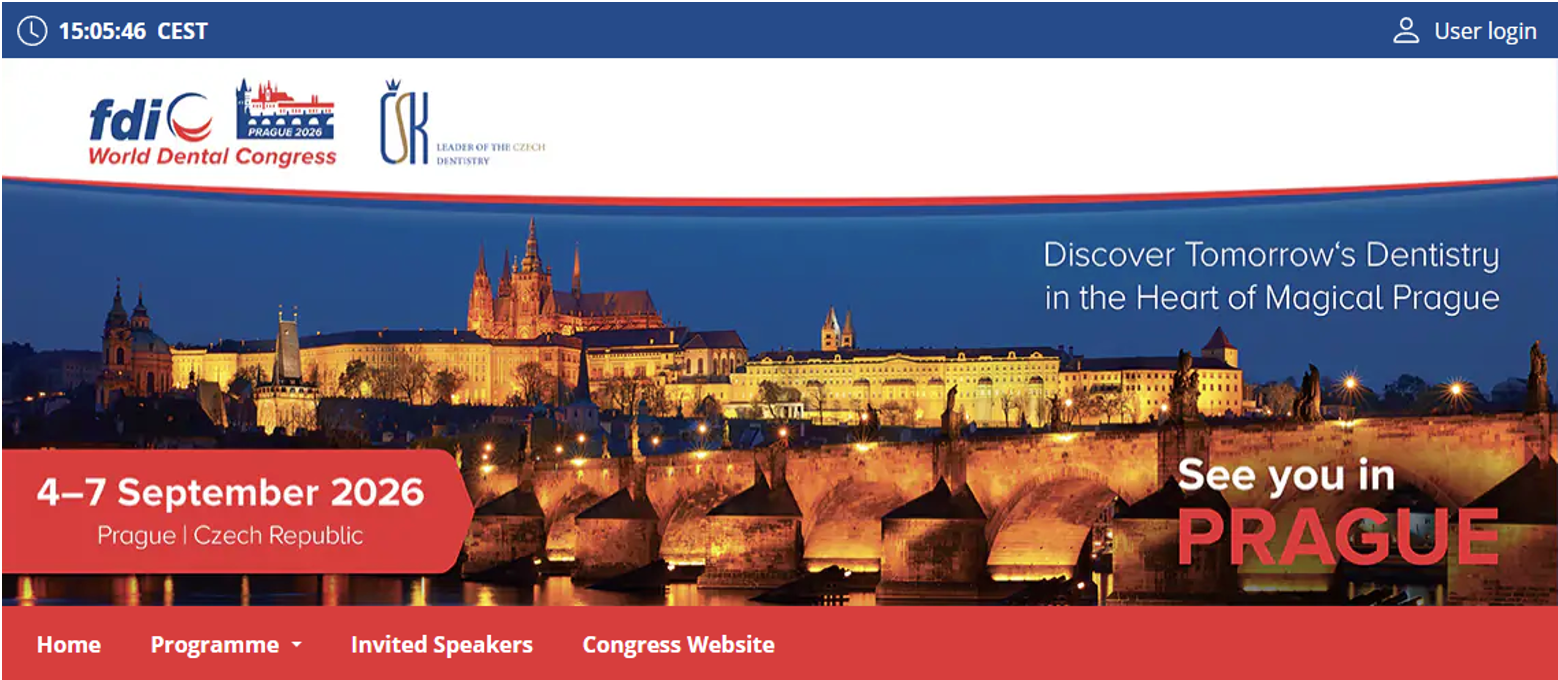
Congress Platform
Login to the platform
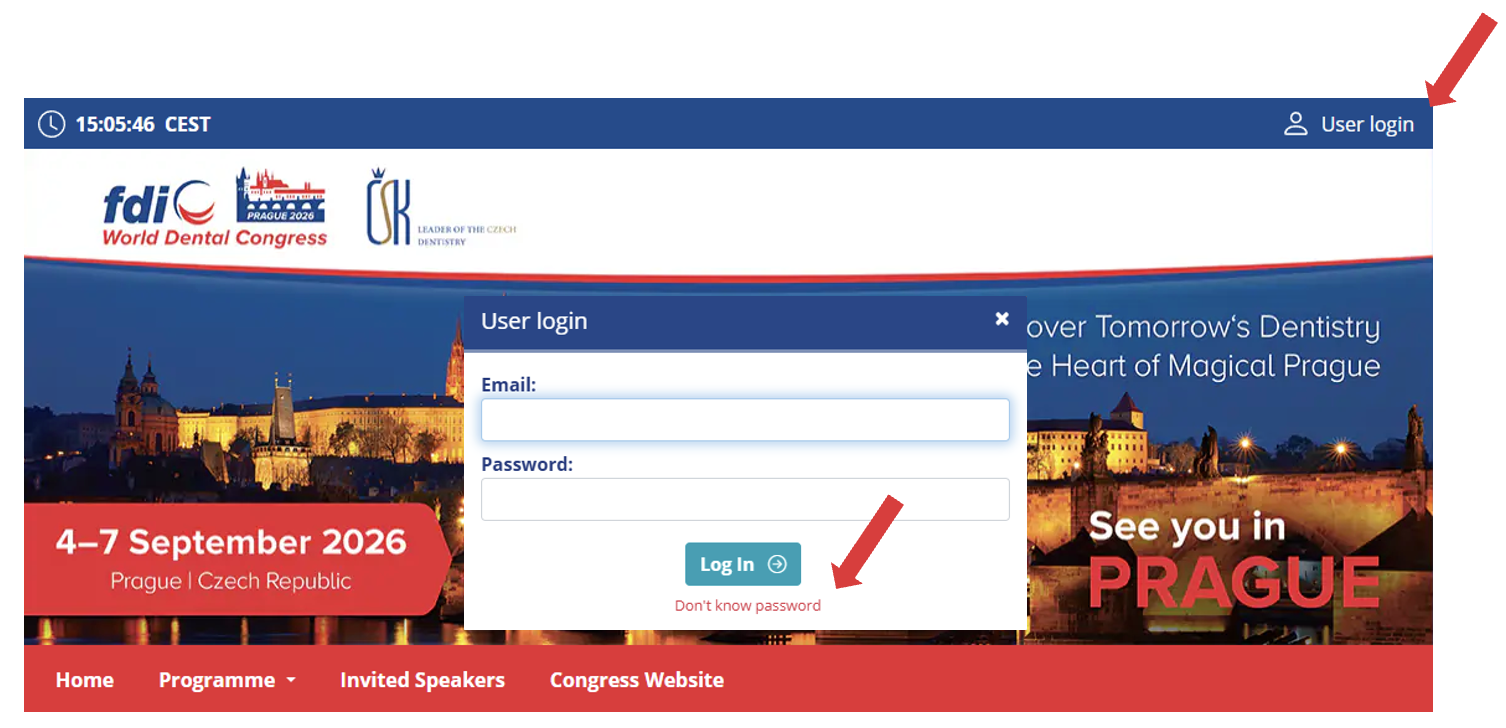
- In the top-right corner, click Login and enter your e-mail address and password.
- If you are logging in for the first time or do not know your password, click Don't know password.
- You will receive an automatic e-mail with a login link. Use the link in the e-mail to log in and access the Home Page. You can then set or change your password on your Personal Page.
Personal Page
After logging in, open Personal Page from the menu under your name.
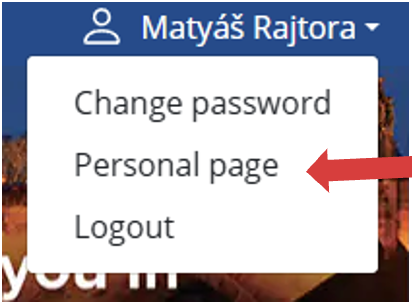
Here you can:
- Check and edit your personal information, profile picture, short bio and social media profiles
- Access My Programme to view your personal schedule and programme allocations
- Complete the required ADA-CERP Surveys during the Congress
- Access your Certificate of attendance and ADA-CERP Verification Statements of participation at any time from 07 September
- Upload presentations and ePosters (only for speakers and ePoster presenters)
- Use Networking to connect with other Congress participants and speakers
- View News & Notifications
Quick Guide to Navigating the Detailed Programme
- To view the Detailed Programme please select International Scientific Programme, Free Communications or ePoster.
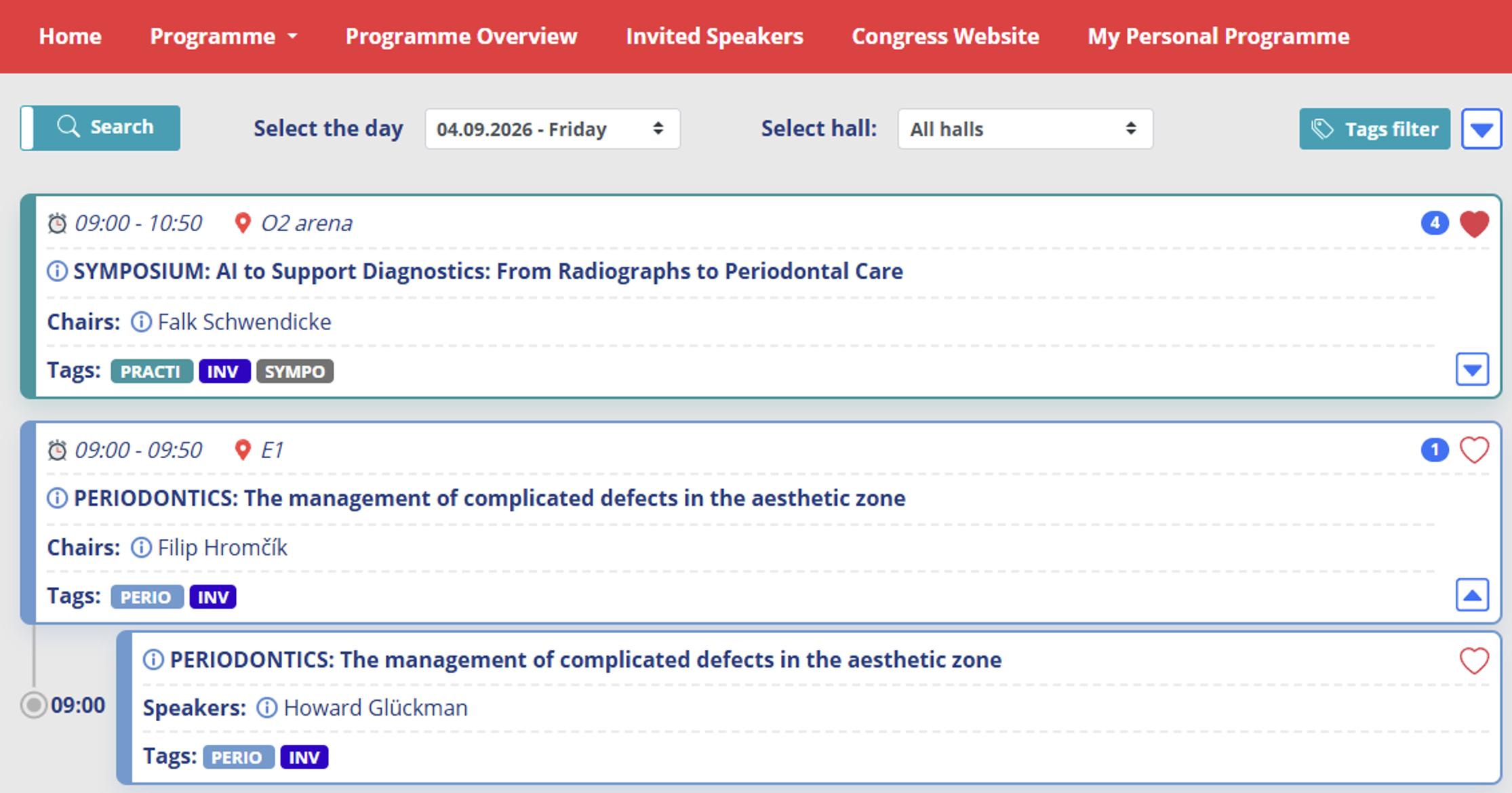
- Use the filters at the top of the page to quickly find the sessions you are interested in. Click anywhere within a session or on the blue arrow to expand or collapse the session.
- Search – Search the programme using keywords such as the session title, presentation title, speaker's name, or other relevant terms.
- Filter the programme by day – If no sessions are displayed, there are no sessions scheduled for the selected day. Please select another day.
- Filter the programme by hall – If no sessions are displayed, there are no sessions scheduled in the selected hall. Please select another hall.
- Filter the programme by TAGS – All tags are selected by default. Click Uncheck all to clear the selection, then choose the required tags. If no sessions are displayed, no sessions match your selection.
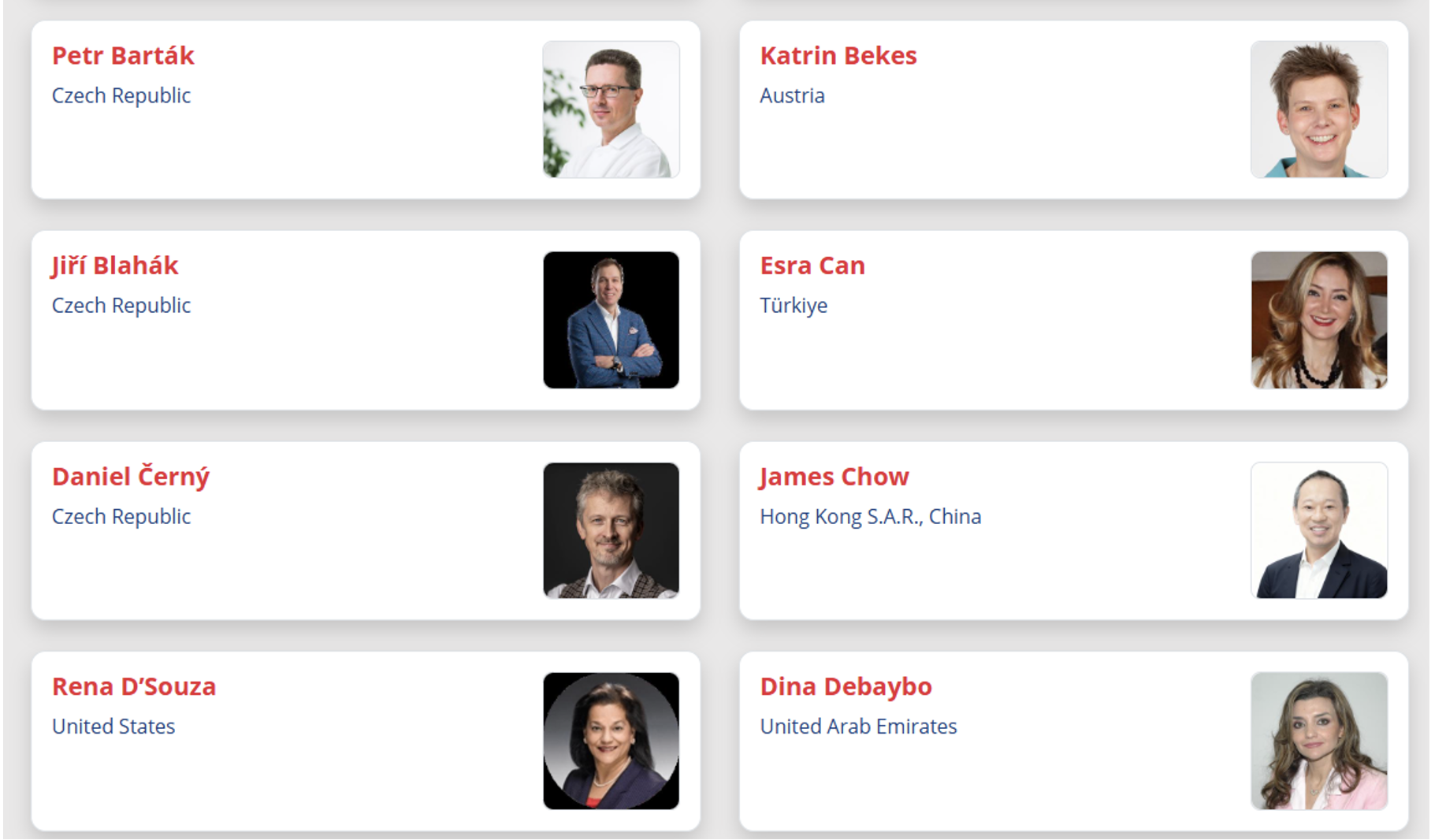
Invited Speakers
- To view the Invited Speakers, select Invited Speakers from the platform menu.
- Use the search function to find a specific speaker.
- Click on a speaker's name to view their details and all sessions and presentations in which they are involved.
- You can contact a speaker directly from their profile by clicking the Send message button.
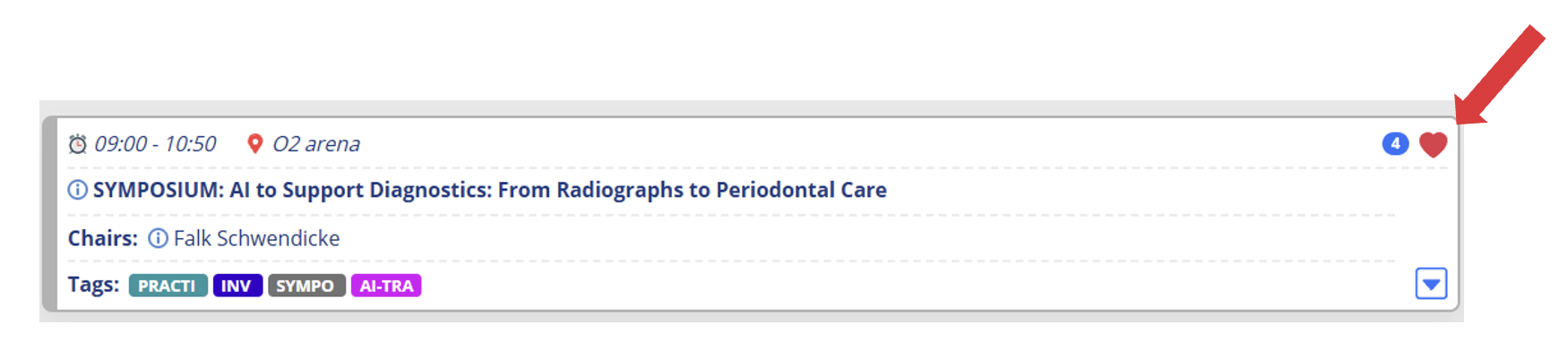
My Programme
- Add sessions to My Programme by clicking the heart icon in the Programme.
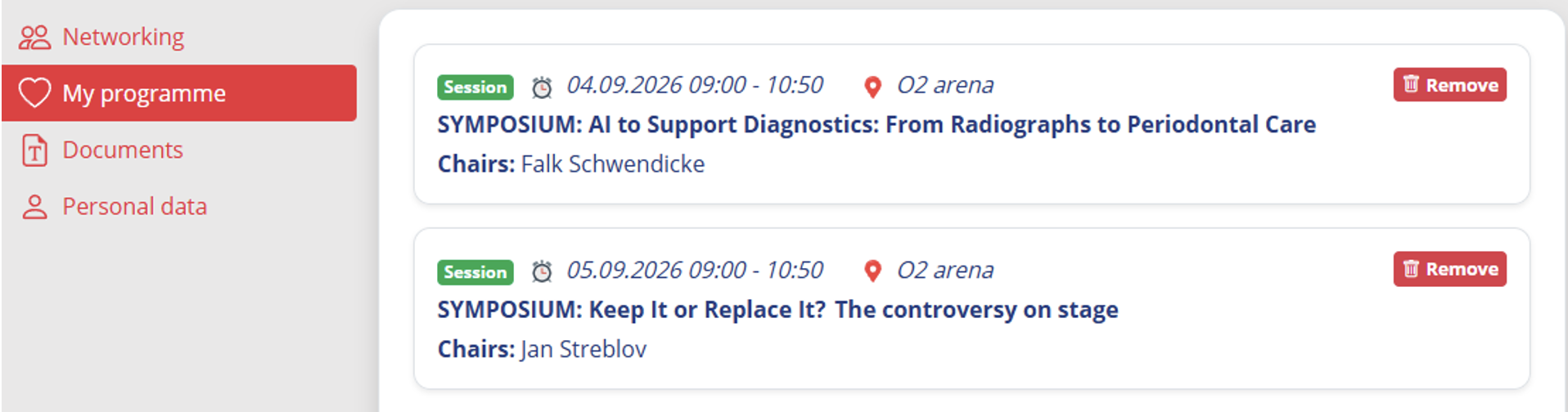
- Your personal programme is accessible from the main menu and from your Personal Page.
- Active participants (Speakers, Chairs and Poster Presenters) can also view their assigned sessions and presentations in My Programme.
Networking
- The Networking function allows you to connect and communicate with the speakers and other participants. All communication takes place exclusively through the Congress Platform.
- Click the envelope icon to view your active conversations. The icon also indicates when you have unread messages.

- You can search for and contact participants through List of All Participants / Networking or List of Invited Speakers.
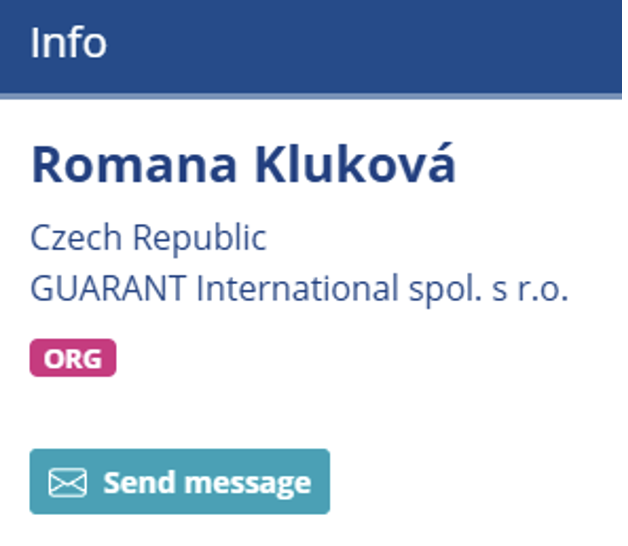
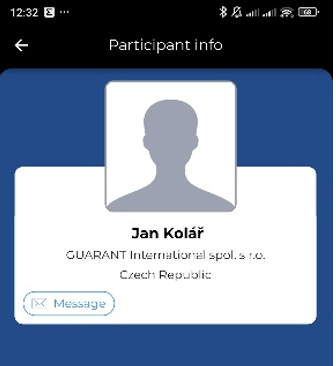
- You can contact the person directly from their profile by clicking the Send message button with the envelope icon.
- The Send message button is only displayed if the participant has Networking enabled or has already logged in to the Congress Platform.
- The search function covers names, personal details and short bios.
- Search results may therefore include participants who mention your search term anywhere in their profile.
- For example, searching by country or company may also return participants who mention it in their short bio.
- Networking is available before and during the Congress.
- If you do not wish to receive messages, you can disable the Networking function in your profile settings.
- Contact details and personal information are not shared with other participants. All communication takes place only through the FDI WDC Prague 2026 Congress Platform.
ADA-CERP CREDITS Continuing Professional Development (ADA-CERP)
How do I get my ADA-CERP?
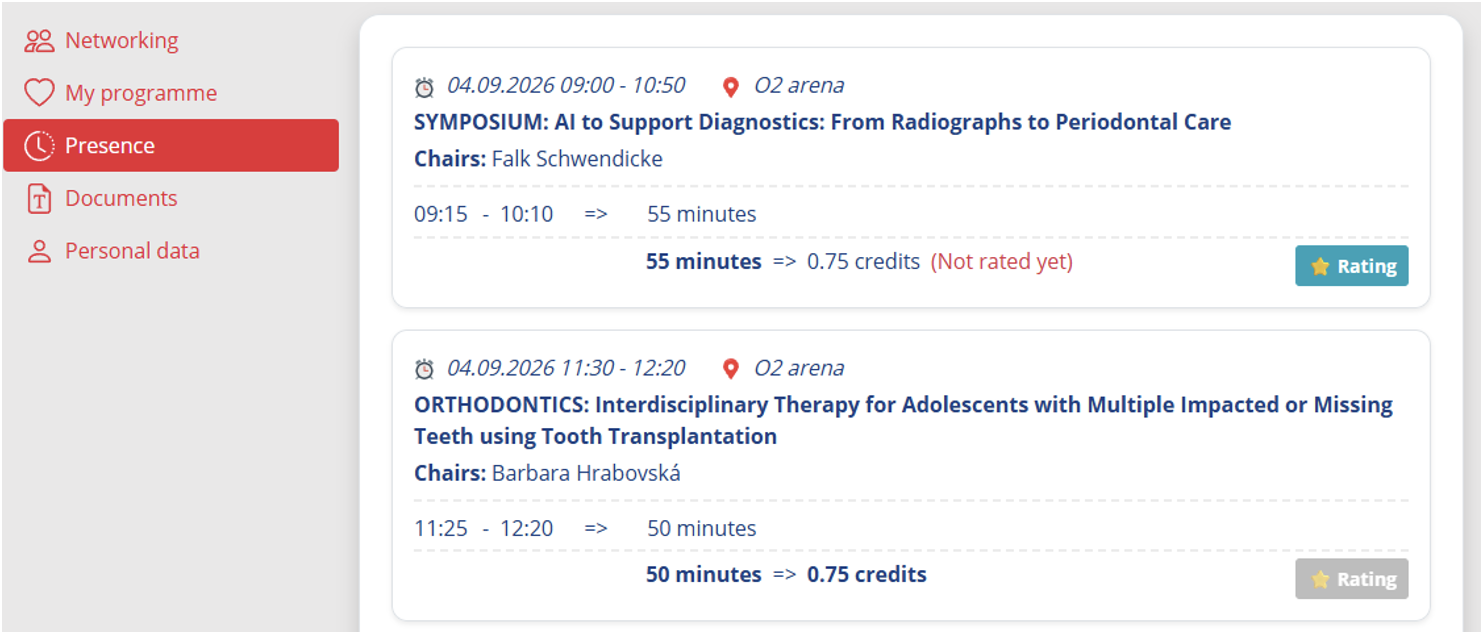
0.25 ADA-CERP credits will be allocated per 15 minutes of session. The credits allocation will be based on the exact time spent in the session room.
To be eligible for credits, participants must:
- Attend a minimum of 15 minutes per session
- Scan their badge on entering AND leaving the room
- Log in to the Personal Page at the Online Certification System here: https://fdi2026.gcon.me/personal-page/personal-presence
- Online Certification System is part of the Congress Platform with the same login credentials.
- Evaluate the attended sessions
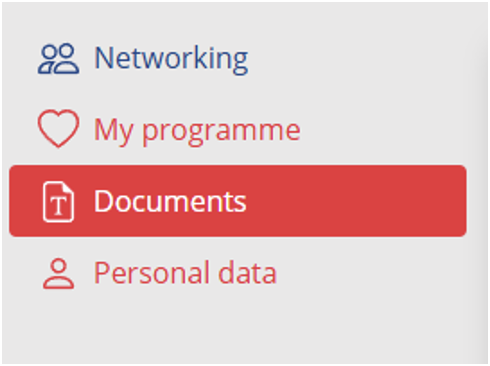
Certificates will be available for download on your Personal Page under Documents at any time from 07 September. Participants will receive personalised access to the download area by email.
All Certificates
- Your Certificates will be available on your Personal Page under Documents at any time from 07 September.
- From 07 September, certificates will also be accessible directly from the main menu.
- If you are an abstract presenter or invited speaker you will also be able to download your presenter / speaker certificate.
- Certificates requiring attendance verification and/or completion of evaluation forms (i.e. ADA-CERP Verification Statements of participation) will become available once the relevant requirements have been met at any time from 07 September.
Congress Mobile App
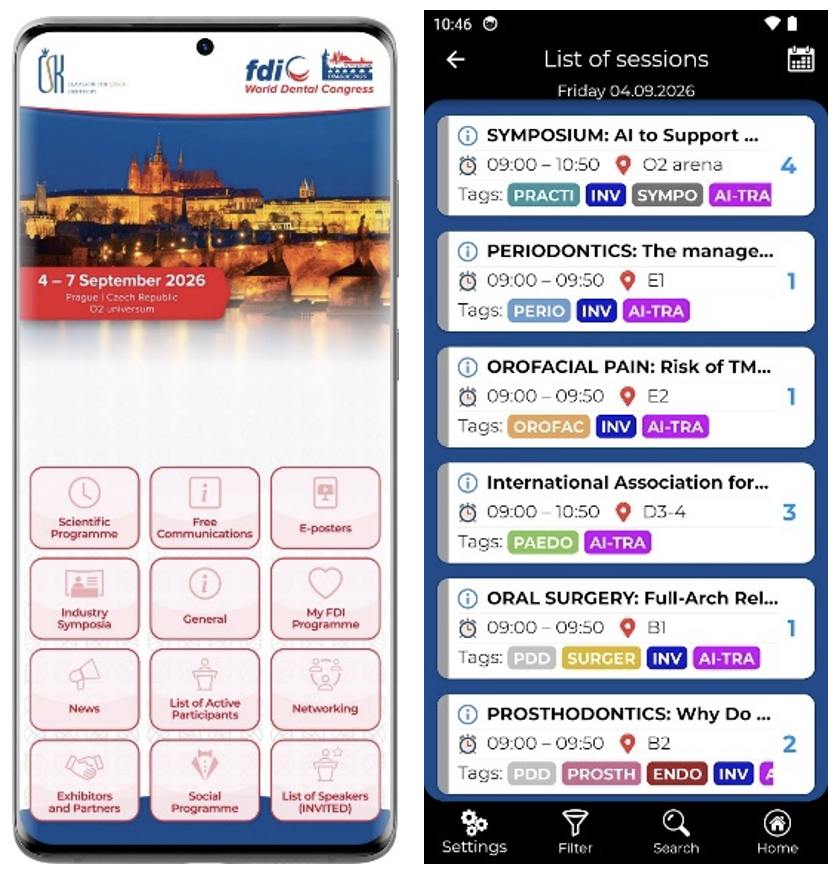
The official Congress Mobile App is your digital companion throughout the congress. It provides essential congress information, interactive features, and personalised services, allowing you to stay connected, plan your experience, and make the most of the event.
With the Congress Mobile App, you can:
- Access your Personal QR Code
- View your Personal Programme
- Browse the Detailed Programme
- Find Invited Speakers
- Ask Speakers during the Sessions
- Receive real-time notifications and Congress News
- Network with other Participants
- View the venue Floor Plan
- Browse Exhibitors and Partners
- See the pictures from the Congress
- Find information about the Social Programme
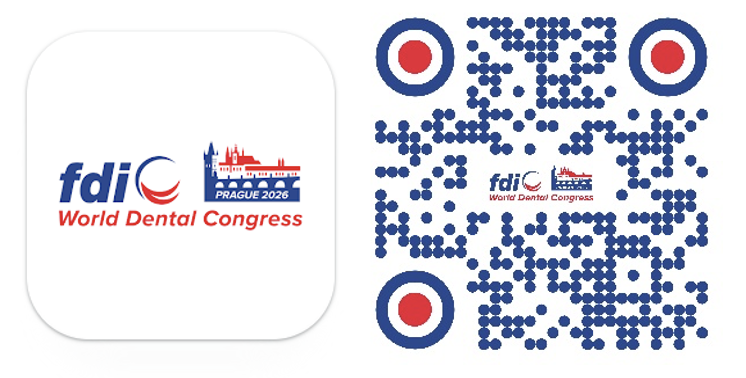
Download the Congress Mobile App by scanning the QR code or search for the WDC PRAGUE 2026 in the App Store or Google Play.
Quick Mobile App Activation
To unlock all personalised features in the Congress Mobile App:
- Open the Congress Mobile App
- Confirm the notifications option (to receive all congress notifications from the app)
- Enter the same e-mail address you used to register for the Congress
- A verification PIN code will be sent to your e-mail address
- Enter the PIN code in the app to complete the activation
- Once activated, you will have access to your Personal Programme, Personal QR Code, Questions to Speakers and other personalised features
Ask Questions to Speakers during their Sessions
- During sessions, you can submit questions to speakers directly through the Mobile App.
- Go to My Account - Q&A and select the relevant session to submit your question.
- Submitted questions will be viewed by the session moderator, who will convey most relevant ones to the speaker.
Networking
- The Networking function allows you to connect and communicate with other Congress participants directly through the Mobile App.
- Under Networking, switch between Participants to browse participants and Messages to view your conversations.
- Use the search function to find participants by name.
- Select a participant to view their profile and send them a message.
- Messages are synchronised between the Mobile App and the Congress Platform, so your conversations are available in both.
- Networking is available before and during the Congress.
- If you do not wish to receive messages, you can disable the Networking function in your profile settings.
- Contact details and personal information are not shared with other participants. All communication takes place only through the FDI WDC Prague 2026 Congress Platform and Mobile App.
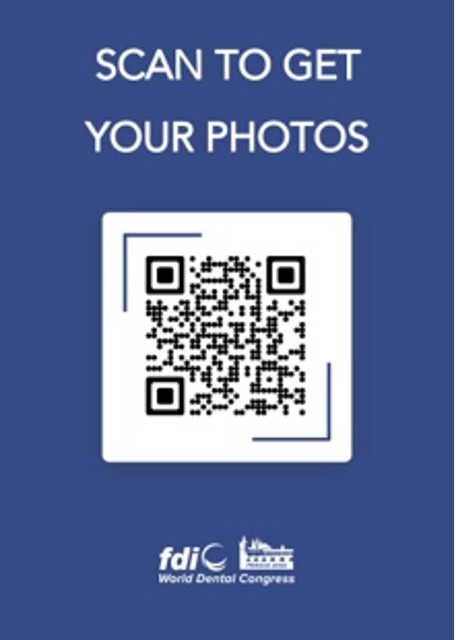
MementoAI - Congress Pictures
All photos from the congress will be gathered in our Memento.ai gallery. Simply scan the QR code to access the full gallery or click here. You can also use the facial recognition feature to create a personalized gallery featuring all the photos in which you appear - making it easy to find and enjoy your favorite moments from the congress.
BADGES
- On-site registration and badge collection will take place at the self-check-in stations. You will receive your QR code before the Congress by email no later than 24 August.
- You can save the QR code to your mobile phone or access your Personal QR Code in the Congress Mobile App under My FDI.
- Each participant is kindly requested to wear the name badge when attending the Congress. The registration desk will be available in case of any difficulties. The congress badge will also include a QR code business card (at the back of the badge), enabling contact details exchange.




© 2026 | Operator: GUARANT International spol. s r.o. | E-mail: guarant@guarant.cz | Powered by APPTIDE
Českomoravská 19, 190 00 Prague 9, Czech Republic
Reg. No.: 45245401 | VAT No.: CZ45245401 | Recorded in the Commercial Register, file No. 7144.